
Separate Apps for Diet and Workouts?
Separate apps for diet and workouts can work, but most people stick better with one simpler system. Here’s when to consolidate and when not to.
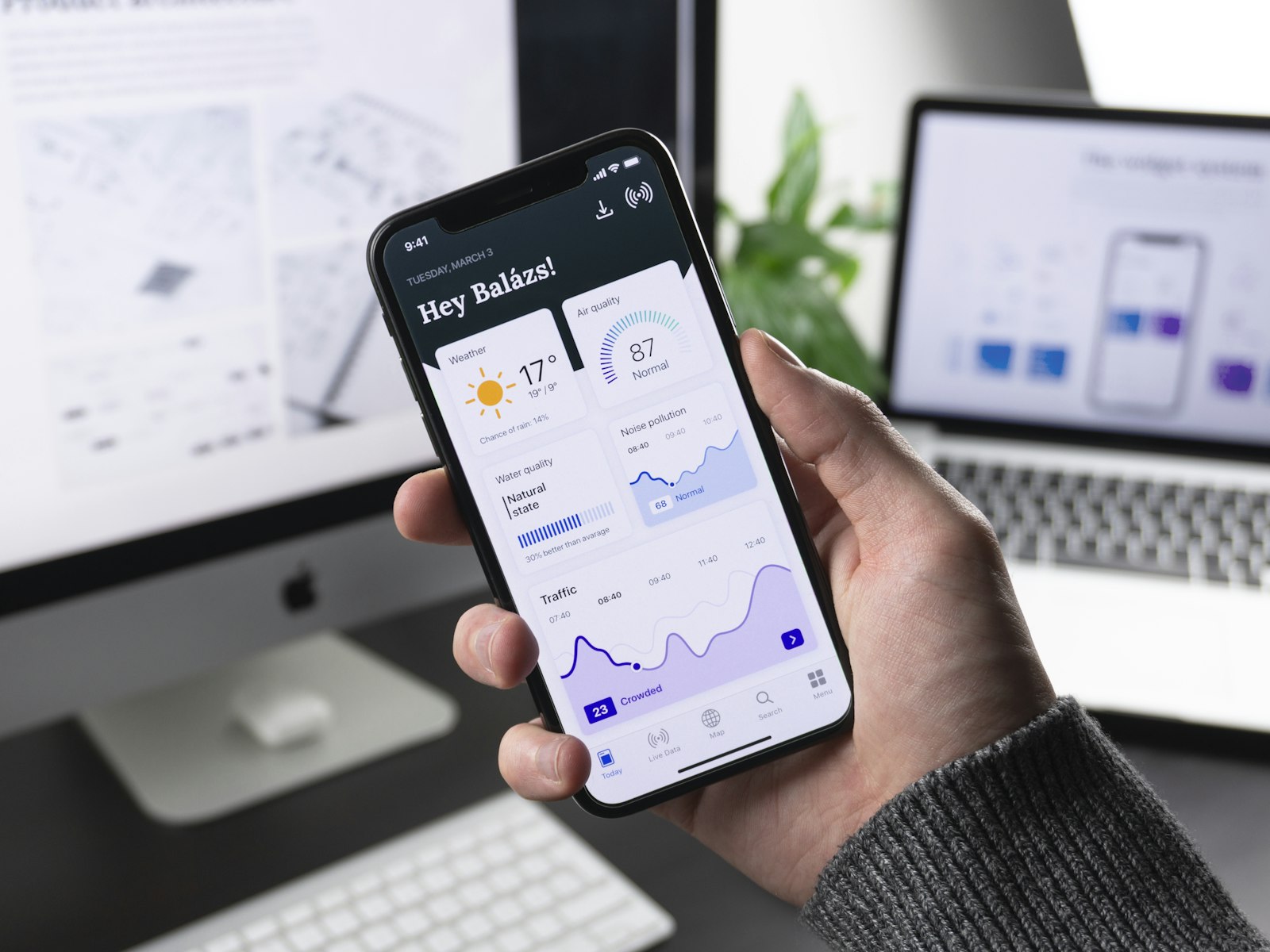
Open your phone and count the health icons you’ve downloaded with good intentions. One for workouts. One for calories. One for fasting. Maybe one more for habits, because apparently remembering to open the other three wasn’t enough.
So, do you need separate apps for diet and workouts?
Usually, no. Most people do better with fewer moving parts, not more. Separate apps can make sense if you genuinely need specialist depth. But if your real problem is consistency, convenience usually beats specialization.
That answer is less sexy than a giant comparison chart, but it’s probably more useful.
Research on mHealth points in the same direction: overlapping notifications and information overload can create real app fatigue, and people tend to stick longer with apps that feel personal, easy to use, and actually supportive rather than noisy. A recent review on app fatigue in mHealth and a systematic review on what helps people keep using health apps both land there.
When separate apps make sense
There are people who genuinely benefit from splitting things up.
Usually it’s one of these situations:
- You’re an advanced lifter who wants deeper training data than a general fitness app gives.
- You track food very precisely and care about niche nutrition features more than speed.
- You already have a setup you’ve used for months and it doesn’t feel annoying.
- You enjoy tinkering with systems, exports, dashboards, and settings.
If that’s you, separate apps may not be a burden. They may actually feel cleaner. A specialist tool is often better at one job than an all-rounder.
That’s the honest tradeoff: best at one thing can absolutely beat good at many things. The catch is that most people searching this question are not trying to optimize a system that already works. They’re trying to stop quitting a system that doesn’t.
Why separate apps fall apart in real life
On paper, separate apps sound smart. In real life, they ask more of you than you think.
You don’t just have to work out. You also have to remember which app holds the plan, which one logs the meal, which one tracks the fasting window, and which one is supposed to keep you motivated when you miss a day. That is a lot of tiny admin for a Tuesday.
This matters because habits form more easily when the action is repeated in a stable context, and automaticity grows through repetition over time. The same basic idea from the habit literature is that repetition in a stable context helps behaviors become more automatic.
When your “health routine” lives across multiple apps, the context is less stable. Instead of one familiar loop, you have a chain of mini-tasks:
- open this app,
- log that thing,
- switch apps,
- find the timer,
- check the streak somewhere else.
That doesn’t sound dramatic, but it’s exactly the kind of friction that kills routines early.
There’s also the notification problem. More apps usually means more nudges, more badges, more “you forgot” messages, and more chances to mute everything and stop caring. Evidence on app fatigue specifically flags overlapping notifications and information overload as part of the problem in mHealth use, as described in that app-fatigue review.
The real question is not “separate or combined?”
It’s this:
What are you more likely to keep opening in week six?
That’s the better filter, because adherence is the whole game. A systematic review of adherence to mHealth apps found the most consistent positives were personalization, individualized reminders, user-friendly technically stable design, and personal support.
Notice what’s not on that list:
- “Has the most tabs.”
- “Lets you assemble your own perfect stack.”
- “Feels like managing a small company.”
If separate apps help you stay engaged, they’re the right choice. But for a lot of people, separate apps create a kind of fake productivity. It feels organized because each tool has a job. Meanwhile, your actual routine gets harder to sustain.
Why one system often works better for normal people
For an ordinary person — busy, distracted, maybe a little app-tired — one system usually wins for three reasons.
1. Fewer decisions
You don’t need a motivational speech here. You need fewer chances to drift.
A combined setup cuts out a bunch of micro-decisions:
- Where do I log this meal?
- Did I start the fasting timer?
- Which app was I using for workouts again?
- Does any of this count as progress today?
That matters because self-monitoring does help behavior change, but only if you’ll actually keep doing it. Self-monitoring is part of effective health-behavior interventions.
The simpler the loop, the more likely it survives busy days.
2. One day, not five separate projects
Your health day is not split into departments. Breakfast affects your workout. Your workout affects your hunger. Your schedule affects whether fasting is realistic. Treating those things as one system is often more useful than treating them like unrelated hobbies.
There’s also broader evidence that diet and physical activity work well together. An overview of systematic reviews on combined diet and physical-activity interventions found combined approaches often outperform single-focus ones for key health outcomes.
That does not automatically prove that one app is always better than two apps — that part is an inference. But it does support the bigger point that diet and movement are linked parts of the same routine, not separate little kingdoms.
3. One streak feels more humane than five broken ones
This one is less academic and more lived.
If you have separate apps, you can eat well, take a walk, and still feel like you “failed” because your workout app streak died. Or you can train hard and feel behind because you forgot to log lunch somewhere else. Multiple apps often create multiple ways to feel off-track.
One unified system is better at answering the only question that really matters on rough days:
Did I still show up for myself today?
That’s a much more useful standard than managing a handful of unrelated streaks.
If you want the bigger consistency argument underneath that idea, read why streaks beat willpower.
Signs you should consolidate
If any of these sound familiar, you probably do not need separate apps:
- You keep forgetting where to log things.
- You mute health notifications because there are too many.
- You’ve downloaded several apps and use none of them consistently.
- Your routine falls apart the moment life gets busy.
- You want “good enough and repeatable,” not “perfect and fragile.”
- You are more likely to do something if it’s fast and in one place.
That last point matters more than people admit. Convenience gets underrated because it sounds lazy. It isn’t. It’s often the difference between a plan that survives normal life and one that lives in your phone like a museum exhibit.
Signs separate apps might actually be better
To be fair, consolidation is not automatically smarter.
Separate apps may be better if:
- You need very detailed gym programming or performance analysis.
- You care about granular food tracking more than fast logging.
- You already have a strong routine and app-switching doesn’t bother you.
- You don’t want an all-in-one app because you prefer best-in-class tools.
If your current system is calm, clear, and sustainable, you don’t need to fix it just because “all-in-one” sounds neat.
A simple test before you decide
Try this for one week.
Ask yourself at the end of each day:
- Did I remember to open every app I meant to use?
- Did logging feel easy or like homework?
- Did the setup help me act, or just record what I failed to do?
- On a messy day, did the system still feel usable?
If the answer keeps being “I couldn’t be bothered,” that’s useful information. Don’t read it as laziness. Read it as bad system design.
The goal is not to build the most impressive stack. The goal is to make healthy actions feel easy enough to repeat.
The honest tradeoffs of an all-in-one app
Since this post is really about consolidation, let’s say the quiet part out loud: all-in-one apps are not magic.
They usually trade some depth for simplicity. A combined app may be better at helping you keep the whole day together, while a specialist app may go deeper in one category. That’s the deal.
So the decision is less about “Which is objectively best?” and more about “Where do I actually fail?”
- If you fail on consistency, reduce friction.
- If you fail on specialized detail, use the best dedicated tool.
- If you fail because your setup is too complicated to maintain, simplify first.
Most people think they need a better plan. Often they need a plan with fewer doors.
Where OgamicX fits, if this is your problem
If the reason you’re asking this question is, “I’m tired of juggling five apps and then quitting all of them,” that’s exactly the kind of problem OgamicX is built for.
Not because it does some fantasy auto-coaching thing. It doesn’t. And not because one app is morally superior to two. It’s just that having workouts, nutrition, fasting, streaks, and check-ins in one place can remove a lot of the friction that makes separate tools annoying.
A few specifics, since hand-wavy “all-in-one” claims are cheap:
- workouts and nutrition live in the same app,
- MealScan lets you snap a meal photo and estimate calories and macros,
- the free version includes 3 MealScans per day,
- fasting tracking is built in,
- one unified streak can stay alive through training, nutrition, or fasting activity,
- Ogi can check in on you, which is very different from an app that just sits there silently until you remember it exists.
That last part lines up with what the mHealth adherence review found around reminders, support, and easier continued use.
That doesn’t mean it’s the right tool for everyone. If you’re an advanced lifter or a super-granular macro tracker, you may still prefer specialist apps. But if your main problem is that your current setup has too many moving parts, consolidation is not a gimmick. It’s often the fix.
And yes, OgamicX is free to download, no card. Premium unlocks things like unlimited MealScans, personalized plans, and the full set of fasting protocols.
If you want the broader argument for why too many tools become their own problem, read Stop Juggling 5 Fitness Apps next.
So, do you need separate apps for diet and workouts?
Usually, no.
You need a system you’ll still use when you’re busy, slightly tired, and not feeling heroic. For most people, that points toward one simple setup rather than a little committee of apps.
Separate apps are worth it when you need specialist depth and you already have the discipline to manage the handoff between tools. But if your real pain is friction, forgetfulness, and app fatigue, combining diet and workouts in one place is usually the more durable choice.
The problem usually isn’t you. It’s the strategy. And for a lot of people, the better strategy is fewer tabs, fewer decisions, and one place to keep the day together.
Keep going:

Written by
The OgamicX Team
Tips, guides, and insight on fitness, nutrition, fasting, and building habits that last — from the team behind OgamicX.
About OgamicXFound this useful? Share it.