
All-in-One Fitness App vs Separate Apps
All-in-one fitness app vs separate apps: for most people, one system wins because it cuts friction, app fatigue, and the odds you quietly quit.
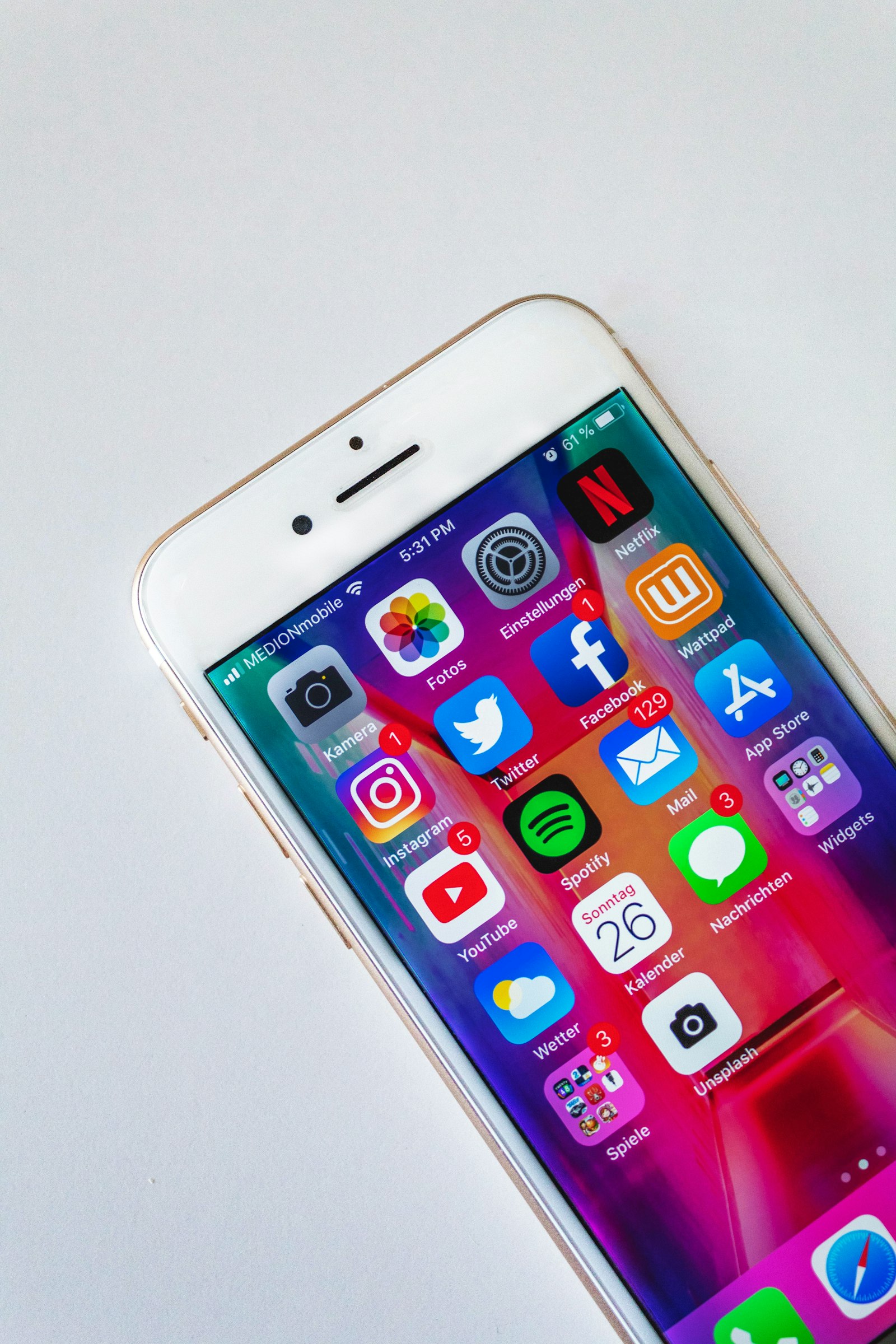
Open your phone and count the icons in your health folder.
Maybe there’s a workout app you used for nine days, a calorie tracker you open when you’re “being good,” a fasting timer you forget to start, and some step app quietly judging you from the corner. If you’re comparing an all-in-one fitness app vs separate apps, the real question is simpler than most listicles make it sound: which setup are you more likely to keep using when life gets annoying?
That matters more than feature count. Psychologists have been documenting a real task-switching cost for years: bouncing between tasks and tools takes extra time and attention, especially when the tasks are more complex or less automatic, as the American Psychological Association’s overview of multitasking and switching costs explains. And newer health-tech writing is putting a plainer name on the lived version of that problem: app fatigue — the burden and cognitive exhaustion that can build when you’re managing too many disconnected tools, logins, and data streams, as described in this recent PMC paper on app fatigue in mHealth.
The short answer: all-in-one usually wins for consistency
If you’re a normal person trying to work out, eat a bit better, and keep your routine from dying on week two, an all-in-one fitness app usually beats separate apps because it reduces friction. One login, one home screen, one place to remember.
Separate apps can still be the better choice if you’re advanced, picky, or need deep features in one specific area. But for most people, the failure point is not “my nutrition app lacked a fifth chart.” It’s “I stopped opening all of them.”
What separate apps are actually good at
To be fair, the separate-app approach is not dumb. It has real upsides.
Separate apps are better when you want depth
A dedicated lifting app may have better exercise logging. A dedicated macro tracker may have a bigger food database. A dedicated fasting app may give you more protocol detail. If you’re the kind of person who enjoys customizing everything, separate tools can feel more precise.
Separate apps let you choose the “best in class” for each job
This is the big appeal. You can build your own stack:
- one app for workouts
- one for food
- one for fasting
- maybe one for habits or reminders
On paper, that sounds smart. And for some people, it is.
Separate apps make sense for advanced users
If you already have strong habits, you can tolerate more setup. You’re less likely to be derailed by one extra login, one extra sync issue, or one extra dashboard. The system might be annoying, but you’re committed enough to keep using it anyway.
That’s the honest tradeoff: separate apps can be more powerful, but they ask more from you.
Why separate apps fall apart for regular people
This is the part listicles usually skip. They compare features like a spreadsheet and ignore what using the system feels like on a Tuesday.
1. You pay a switching tax every time
The basic finding from task-switching research is boring but important: shifting between contexts has a cost. Even when each individual action is small, the switching itself takes time and attention, as the APA summary of switching-cost research notes.
A fitness stack turns that into real-life friction:
- finish a workout in one app
- remember to log food somewhere else
- open a fasting timer in a third app
- check progress in a fourth
None of those steps is hard. Together, they are exactly hard enough to stop happening.
2. App fatigue is real
“App fatigue” sounds made up until you’ve lived it. But the term is showing up in the literature for a reason. One recent paper defines it as the cumulative burden, disengagement, and cognitive exhaustion that comes from managing too many disconnected tools and data streams — which is uncomfortably close to the “I downloaded seven fitness apps and kept zero” experience described in this PMC article on app fatigue in mHealth.
That maps pretty cleanly to what a lot of people call a motivation problem. The issue usually isn’t laziness. It’s that your system has too many moving parts for the amount of attention a normal human has available.
3. Your progress gets split into fragments
This is the sneaky one.
You might actually be doing okay:
- you walked
- you ate a decent lunch
- you closed your fasting window
- you skipped the full workout
But if those actions live in separate apps, each app only sees one slice of the day. So instead of feeling like you stayed on track, you get four partial stories and three guilty notifications.
That fragmented feeling matters because behavior-change tools tend to help most when they stay simple enough for people to keep using. A meta-review of self-regulatory behavior-change techniques found support for self-regulation tools in healthy eating and physical activity interventions, but the bigger point here is the boring one: tools only help if you keep engaging with them.
Why all-in-one apps usually work better in practice
An all-in-one setup is not automatically better because it’s more “innovative.” It’s better when it removes excuses.
One place means fewer drop-off points
If workouts, meals, and fasting live in one app, you don’t have to remember a whole workflow. You just open the app you already use. That sounds almost too obvious, but convenience matters. Reviews of behavior-change apps and self-report tools keep coming back to the same theme: engagement and self-monitoring are central, and the tools work best when people can actually stick with them.
One system gives you a fuller picture
A good all-in-one app can connect the day instead of splitting it up.
That matters because fitness rarely fails as one isolated behavior. It fails as a chain reaction. Miss the workout, stop logging meals, ignore the streak, and suddenly the whole week feels gone. This next part is an inference, not a direct experimental finding: if disconnected tools increase burden and task-switching, then a more unified setup should reduce some of the little decision points where dropout happens. That’s a reasonable read of the task-switching evidence plus the app-fatigue literature, even if it isn’t a neat lab-tested theorem.
All-in-one is better for people who struggle with consistency
If your main issue is not knowledge but follow-through, integration matters more than optimization.
You do not need the perfect workout logger, the perfect meal tracker, and the perfect fasting timer if the combined system dies after 11 days. You need something good enough that you’ll still open in month two.
If that consistency piece is the real issue, read why streaks beat willpower. It’s the same problem from the habit side instead of the app-stack side.
The honest tradeoffs of all-in-one fitness apps
This isn’t the part where I pretend all-in-one wins every category.
All-in-one apps can be less specialized
That’s the main downside. A generalist app may not go as deep as the best standalone tool in a niche category. If you want elite-level lifting analytics or very specific food-database workflows, you may feel boxed in.
Some all-in-one apps try to do too much
A bloated app is still bloated. If the “all-in-one” product is cluttered, confusing, or packed with features you never touch, it can create the same fatigue problem it was supposed to solve.
Integration only helps if it’s real
This is a big one. Some apps market themselves as all-in-one when they’re really just several weak tools living under one logo. That’s not the same as a genuinely unified system. The question isn’t whether an app has multiple tabs. It’s whether those parts actually work together in a way that makes the day easier.
So which should you choose?
Use this rule.
Choose separate apps if:
- you already have strong habits
- you want advanced features in a specific category
- you enjoy customizing your setup
- you don’t mind managing multiple tools
Choose an all-in-one fitness app if:
- you keep falling off because the system is annoying
- you want fewer decisions, not more
- you juggle workouts, food, and fasting
- you care more about consistency than maximum feature depth
That’s why this comparison is really a behavior question, not a tech question.
Best app in each category is a power-user mindset.
Best system you’ll actually keep opening is the better beginner and real-life mindset.
What to look for in an all-in-one app
If you do go the all-in-one route, don’t just look for a big feature list. Look for signs that the app reduces friction instead of hiding it under prettier design.
1. One clear home for the whole day
You should be able to see workouts, food, fasting, and progress without hunting.
2. Fast logging
If logging a meal or workout feels like homework, you won’t do it for long.
3. A unified progress system
This could be a streak, score, or some shared progress mechanic. The point is that the app should reward the whole system, not treat each behavior like a separate life.
4. Useful check-ins, not spam
Reminders should feel like support, not guilt with push notifications.
5. A free layer that’s actually usable
This matters. A freemium app that gives you enough to build the habit is usually more trustworthy than one that hides the basic experience behind a countdown and a card form.
Where OgamicX fits, if this is your problem
If the reason you’re searching all-in-one fitness app vs separate apps is “I’m tired of managing five different tools,” this is exactly the kind of problem OgamicX is built for.
The useful part is not just that it combines workouts, nutrition, and intermittent fasting in one place. It’s that those pieces are meant to work as one system: workouts, MealScan, fasting, music, streaks, and Ogi check-ins all live in the same app instead of asking you to juggle separate routines. The free version includes core access, manual meal logging, a unified streak, Ogi chat, Care Plan check-ins, 16:8 fasting, and up to 3 MealScans per day; Premium unlocks personalized AI workout plans, unlimited MealScans, more fasting protocols, playlist selection, and other deeper features.
If you want the lived version of this problem, not just the compare-and-contrast version, read Stop Juggling 5 Fitness Apps. That’s the messier, more human side of the same decision.
That doesn’t mean it’s the right tool for everyone. If you want ultra-deep specialist tracking in one category, separate apps may still suit you better. But if your actual problem is system fatigue, completeness beats specialization more often than people admit.
Final verdict: all-in-one beats separate apps for most people
If you’re advanced and love precision, separate apps can absolutely work.
If you’re a regular person trying to stay consistent, an all-in-one fitness app is usually the better choice. Not because it’s flashy. Because it removes friction, reduces switching, and gives your habits a better chance of surviving normal life.
That’s the whole thing.
Not “which stack is theoretically optimal?”
Which one still makes sense when you’re tired, busy, and one missed day away from quietly quitting.
Keep going:

Written by
The OgamicX Team
Tips, guides, and insight on fitness, nutrition, fasting, and building habits that last — from the team behind OgamicX.
About OgamicXFound this useful? Share it.