
App That Combines Calorie Counter and Fasting Timer
App that combines calorie counter and fasting timer: what to look for, why separate apps fail, and how to choose one workflow you’ll actually keep using.
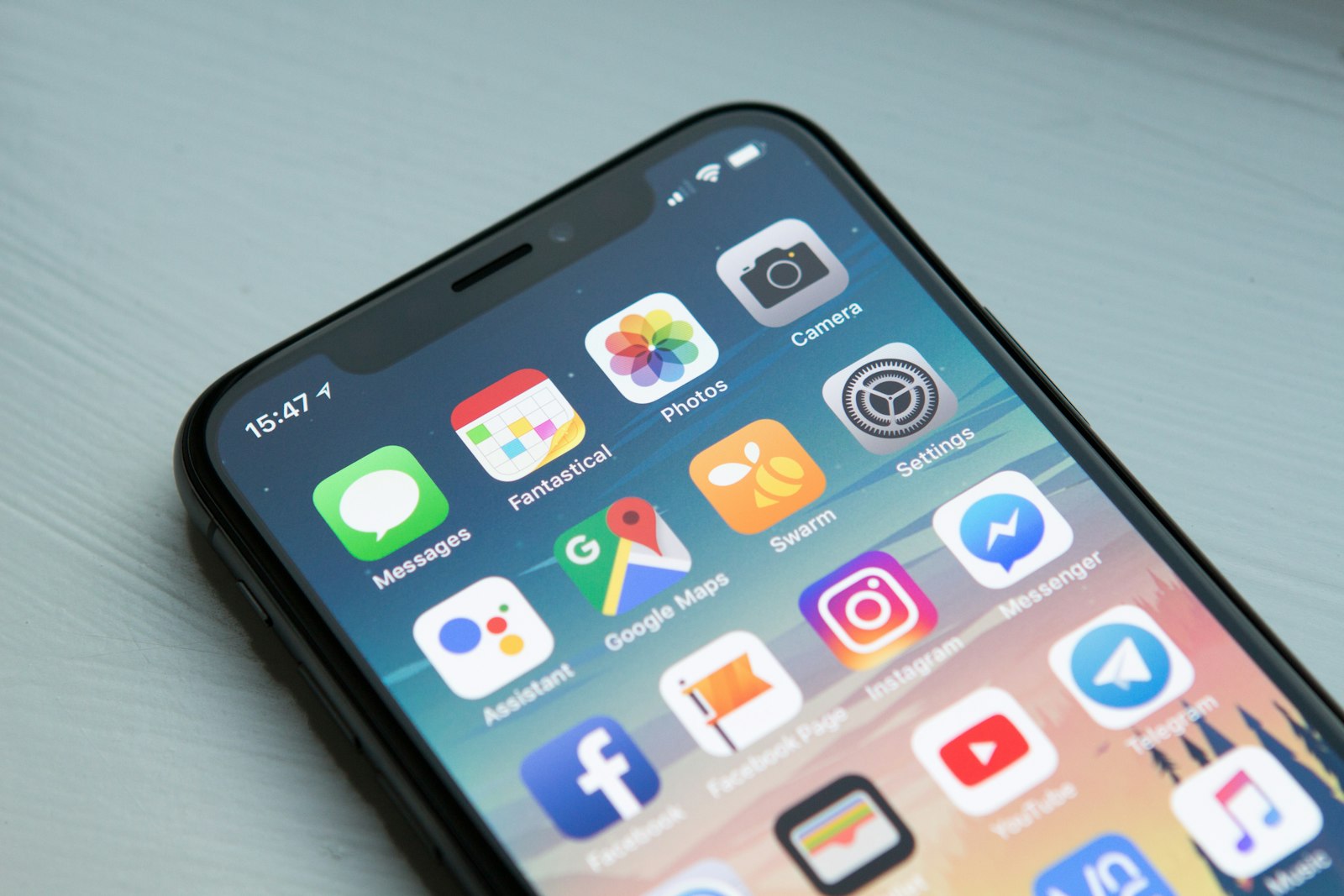
Open your health folder and do a quick count. There’s the calorie app you forget to log in, the fasting timer you only remember at 11:47 p.m., maybe a workout app, maybe notes, maybe a half-used habit tracker. None of them are exactly bad. The problem is the handoff between them. That’s usually where consistency dies.
If you’re searching for an app that combines a calorie counter and fasting timer, you’re probably not asking for more features. You’re asking for one workflow. One place to log food, start a fast, see what today looks like, and not feel like you’re managing a tiny tech stack just to eat lunch on purpose.
That’s the short answer: the best option is usually the app that makes food logging and fasting feel like one daily loop, not two separate chores.
What “combined” should actually mean
A lot of listicles answer this keyword by naming one app for calories, one for fasting, one for habits, one for workouts, and calling that a solution. It isn’t. That’s a bundle. You asked for a system.
A genuinely combined app should do a few basic things well:
- let you log meals and calories without friction
- give you a fasting timer you can start, stop, and review
- keep those two behaviors in the same daily flow
- make it obvious what counts as progress today
- reduce app-switching instead of creating a prettier version of it
That last point matters more than people admit. A large systematic review of weight-management smartphone apps found that self-monitoring sits at the core of these interventions, while longer-term results and evidence quality still vary a lot between apps and studies. (pmc.ncbi.nlm.nih.gov)
Why people quit the separate-app setup
The failure point usually isn’t knowledge. Most people already understand the basics of logging food and setting an eating window. The friction comes from having to remember three separate actions in three separate places.
Here’s what the split setup usually feels like in real life:
1. Logging and fasting live in different mental buckets
Your calorie app is about food quantity. Your fasting app is about time. If those don’t talk to each other in your head, one of them gets ignored. Usually the one you started second.
2. Each app asks for its own little ritual
Open this app before breakfast. Open that app after dinner. Open another one if you also worked out. Even tiny bits of extra friction matter when a habit is still fragile.
3. You end up managing tools instead of a routine
A roundup of “8 best apps” sounds helpful, but from a user point of view it often translates to: “Congrats, now you have homework.” The more useful question is simpler: Which app can handle the loop I’m actually trying to repeat?
If you’ve felt this before, stop juggling 5 fitness apps goes deeper on why the handoff between tools is where a lot of good intentions go to die.
What the evidence says about tracking and adherence
The honest version is not “download an app and everything works.” It’s more boring than that.
There is decent evidence that app-based self-monitoring can help support follow-through, but engagement matters. The same systematic review found the evidence base is mixed and still limited in places, which is exactly why it makes sense to care about whether an app is simple enough to keep opening. (pmc.ncbi.nlm.nih.gov)
There’s also research on intermittent-fasting apps showing that people do use them to log fasting patterns over time, and that retention becomes a big part of whether the method stays sustainable in the real world. A 52-week observational study of two fasting apps focused specifically on user retention and fasting behavior over time. (pmc.ncbi.nlm.nih.gov)
That does not mean every fasting app is good. It means the boring part still matters: if the workflow is clunky, you stop opening it. If it’s simple enough to keep using, your odds get better.
Features that matter in an app with calorie counter and fasting timer
If you’re comparing options, don’t get hypnotized by giant feature tables. For this specific search intent, these are the useful filters.
Fast food logging
The best calorie counter is not the most detailed one on paper. It’s the one you will still use on a random Wednesday when you’re tired and dinner is already getting cold.
Look for:
- quick add or simple manual logging
- a food database that doesn’t feel like archaeology
- low-friction repeat meals
- photo logging, if you know typing every ingredient will make you quit
A fasting timer that feels native, not bolted on
Some apps clearly started as calorie trackers and added fasting later. Others started as fasting apps and treated food logging like an afterthought.
A solid fasting timer should let you:
- choose a protocol or schedule
- start and end a fast easily
- see current progress clearly
- review history without digging through menus
One home for the day
This is the big one. If your meals live on one tab and your fasts feel like a side project in another app entirely, the setup isn’t really integrated. You want one place where today makes sense at a glance.
Flexible enough for imperfect days
You will log imperfectly. You will forget one meal. You will start a fast late one day. If the app makes one missed action feel like the whole day is ruined, it’s not helping.
What the current landscape looks like
The category is moving closer to this all-in-one idea, but it’s still uneven.
For example, one major calorie-tracking app’s current help documentation says its intermittent fasting tracker is a Premium feature that lets users track fasting periods in the diary alongside meals and exercise. Its more recent product guidance also describes selectable fasting patterns, progress tracking, and fasting history. (support.myfitnesspal.com)
That matters less as a recommendation than as a signal: even big calorie-first apps are moving toward tighter integration because people clearly want fewer handoffs.
The gap is that many options still lead from one side only:
- calorie-first apps that added fasting
- fasting-first apps that added food tracking
- wellness apps that technically do both, but make the workflow feel scattered
If you want the broader behavior angle, what makes a fitness app stick is really the same question in disguise.
So what should you choose?
If your main job is accurate macro tracking above all else, you may still prefer a calorie-first app that goes very deep on database size and nutrition detail.
If your main job is just timing your eating window, a dedicated fasting app can be enough.
But if your real problem is: “I want one app for food and fasting because I’m tired of juggling both,” then your best option is usually the app that treats them as parts of the same routine rather than two adjacent tools.
That sounds obvious, but it rules out a surprising number of apps.
A simple shortlist filter
Before you download anything, ask these five questions:
Does it let me log food fast enough to use daily?
If logging a basic meal feels like admin, you’ll stop.
Is fasting built in, not hidden behind weird menu logic?
You shouldn’t need to remember where the timer lives every day.
Can I see both food and fasting progress in one place?
If not, you’re still mentally stitching systems together.
Is the free version useful enough to test honestly?
If you can’t get a real feel for the workflow before paying, that’s annoying for this category.
Does the app fit how I behave, not how I wish I behaved?
This is the quiet important one. Don’t choose the app for your fantasy self who meal preps, color-codes, and never misses a log. Choose for the version of you who is slightly rushed and very normal.
The honest tradeoffs
An integrated app is not automatically the best app for every person.
If you’re an advanced user who wants obsessive-level nutrition detail, custom spreadsheet energy, or very specialized fasting analysis, a broader all-in-one app may feel too simple.
On the other hand, if you are the kind of person who keeps quitting because your “system” requires too many moving parts, simplicity is not a downgrade. It’s the whole point.
That’s the tradeoff most listicles skip. They compare feature volume. They don’t compare follow-through.
Where OgamicX fits, if your real issue is app-juggling
If the reason you searched this keyword is that you’re tired of bouncing between a calorie app and a fasting timer, this is exactly the kind of workflow OgamicX is built for.
But it only makes sense to mention that now, after the problem is clear.
OgamicX puts meal logging and intermittent fasting in the same app, along with workouts and streaks, so your day doesn’t live in fragments. For nutrition, it supports manual meal logging for calories, protein, carbs, and fat, plus AI MealScan if taking a photo is the difference between logging and not logging. The free version includes 3 MealScans per day, while Premium removes that cap. For fasting, the app includes 16:8 on free, with 16:8, 18:6, 20:4, OMAD, and custom protocols available in Premium.
The useful bit isn’t just that both features exist. It’s that they live inside the same daily loop. If you also work out, that counts in the same place too. And if you’re the kind of person who does better when an app feels alive rather than silent, OgamicX’s Care Plan can check in on you when you’re drifting, without pretending to magically rewrite your plan for you.
That’s a different promise from “the most advanced fasting app” or “the biggest food database on earth.” It’s more like: best at the whole day beats best at one tab.
How to pick the right app in 10 minutes
If you want the non-dramatic version, do this:
- Pick two apps max to test.
- In each one, log one normal meal and start one fasting window.
- Notice which app makes you think less.
- Ignore the giant features you won’t use in week one.
- Keep the app that makes tomorrow feel easier.
That’s it.
Not the app with the fanciest promise. Not the app with the longest listicle blurb. The one you’ll still open after the novelty wears off.
Bottom line
The best app that combines calorie counter and fasting timer is not the one that technically offers both. It’s the one that makes both feel like part of the same routine.
If you want depth above all, go calorie-first. If you want a pure timer, go fasting-first. If you want one integrated workflow you’ll actually keep using, choose the app that lets food logging and fasting live in the same day, on the same screen, with the least friction. That’s usually the better bet for consistency, and the broader app literature points in that direction even if the evidence quality is still uneven. (pmc.ncbi.nlm.nih.gov)
Keep going:

Written by
The OgamicX Team
Tips, guides, and insight on fitness, nutrition, fasting, and building habits that last — from the team behind OgamicX.
About OgamicXFound this useful? Share it.